Image Remix with Prompt · Dev Test
Give an image a new direction. Upload one image and describe the style, setting, or details you want to change, then explore the generated result.
Loading your media…
Create in three steps
Upload an image, describe the changes you want, then generate and review the result.
Upload an image
Choose an image with a clear subject as your starting point.
Describe your idea
Explain the desired changes to the scene, style, or details.
Generate and review
Submit, review the result, and refine your description if needed.
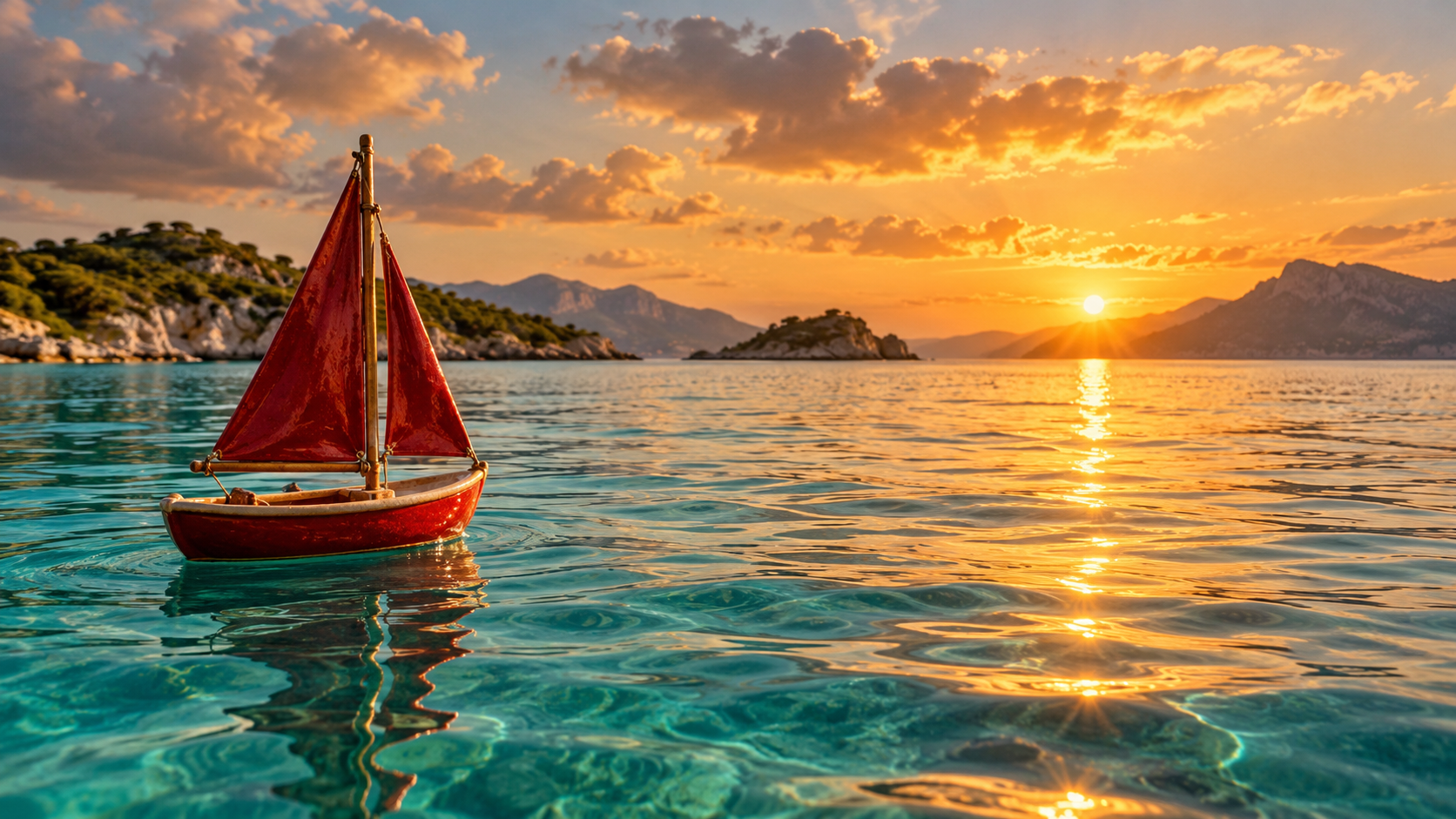
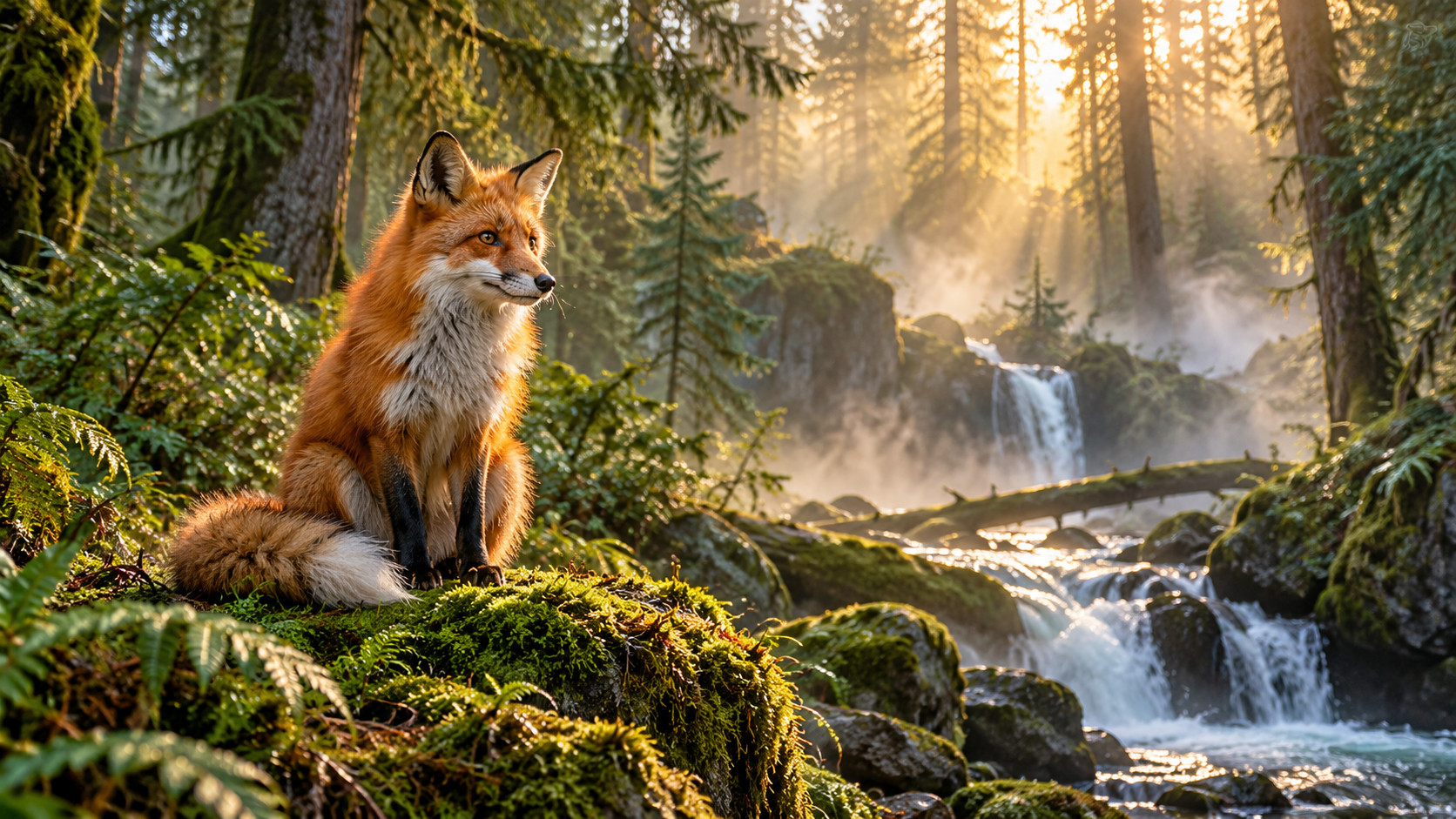
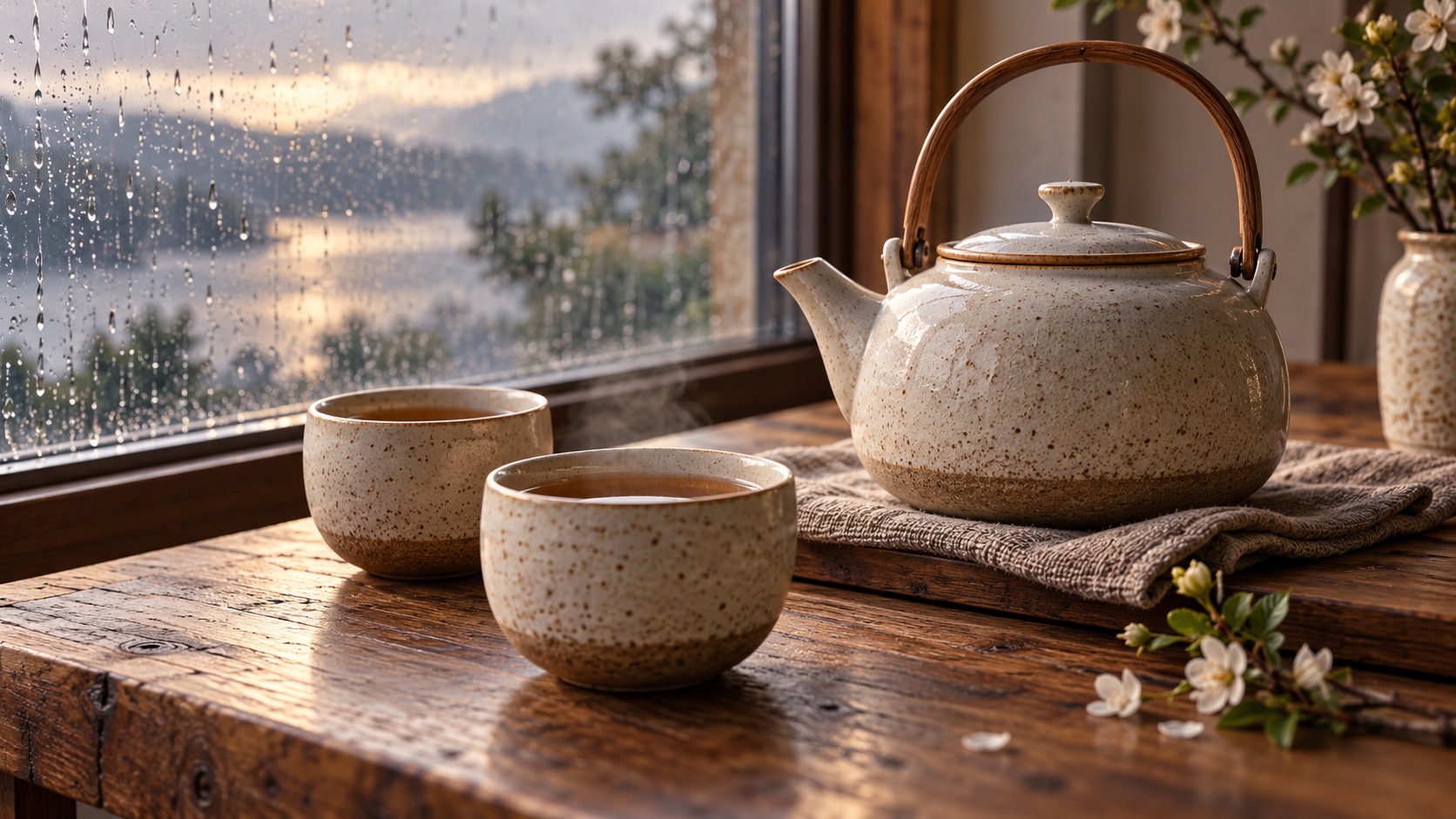
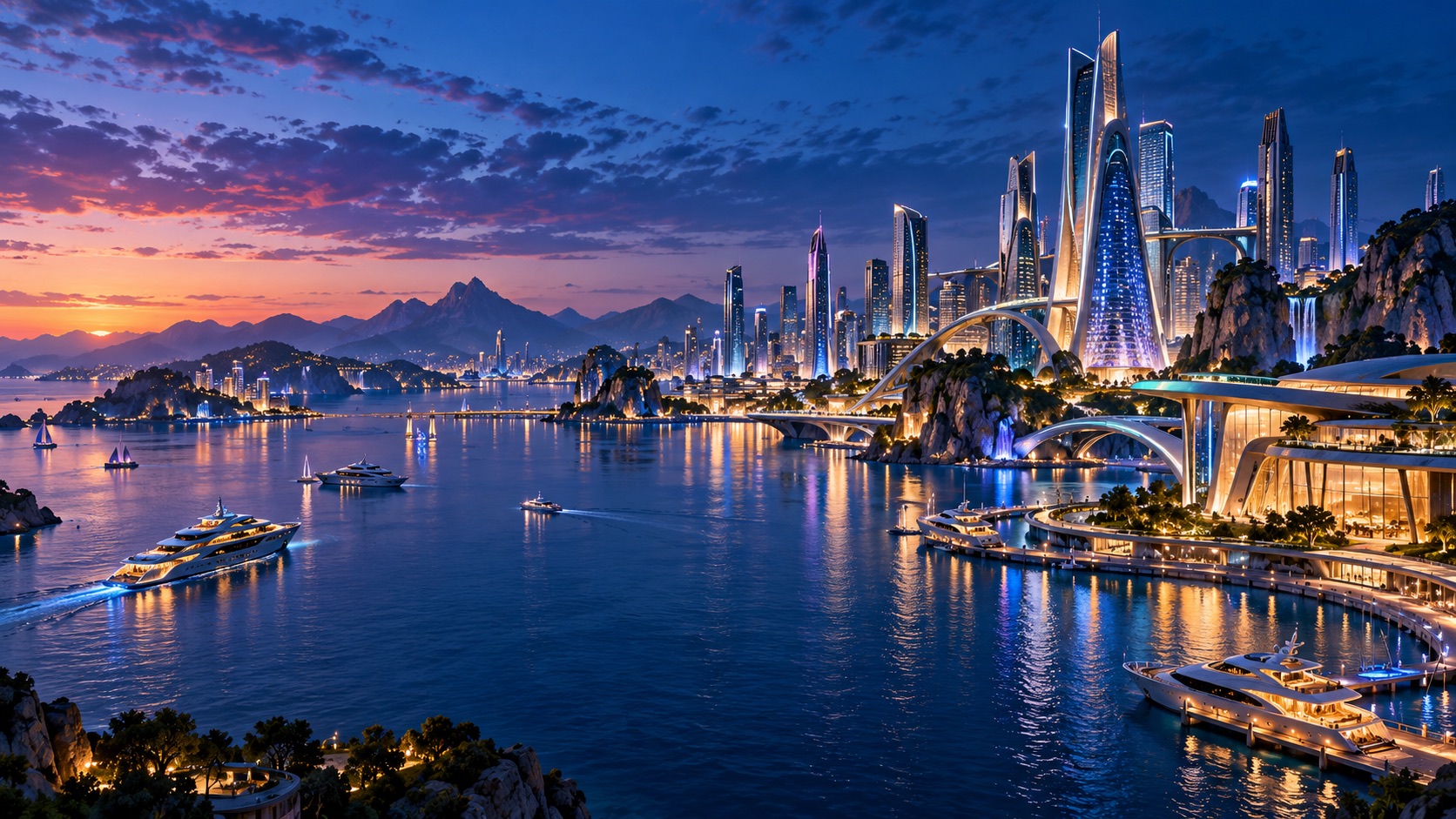
Creation examples
Loading your media…
Loading your media…
Loading your media…
Loading your media…
Frequently asked questions
What should I write in the prompt?
Describe the subject, the change you want, and any style or lighting details. For example: “Turn the background into a misty forest while keeping the subject.”
What image can I upload?
Upload one JPG, PNG, or WebP image up to 10 MiB. A clear subject works best.