Image and Video References · Dev Test
Combine an image and a video as visual references to explore a new video. Upload both assets and generate with the built-in instruction.
ABOUT THIS PLAY
Bring images and video together
Upload an image and a video to combine visual inspiration with movement and explore new short-form creations. This sample content demonstrates the page modules.
Creation examples

Get started
Use an image and a video together as visual references.
 Loading your media…
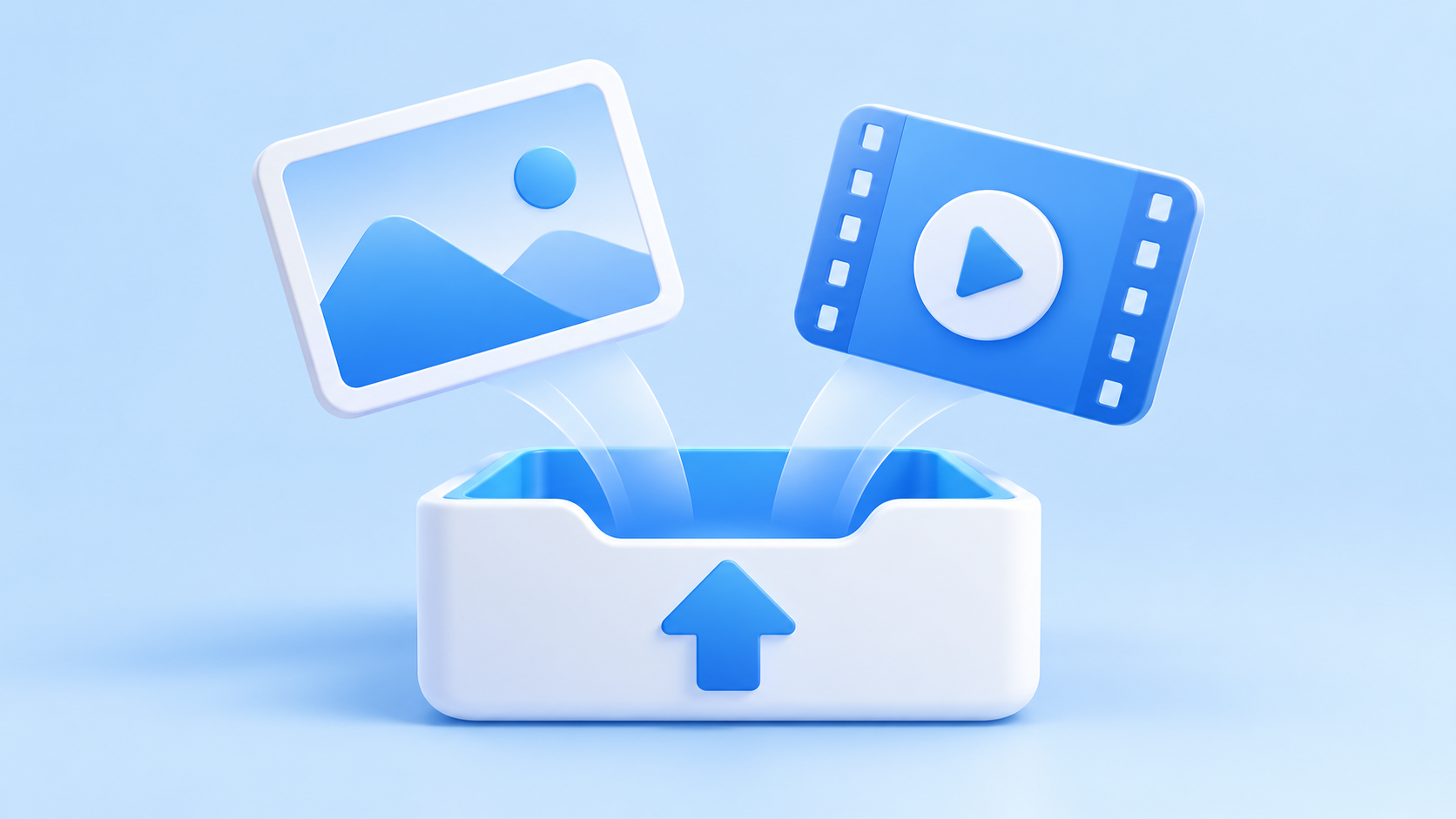
Upload references
Choose an image and a video as visual references.
 Loading your media…
Generate your video
Submit your references and wait for the video to be generated.
 Loading your media…
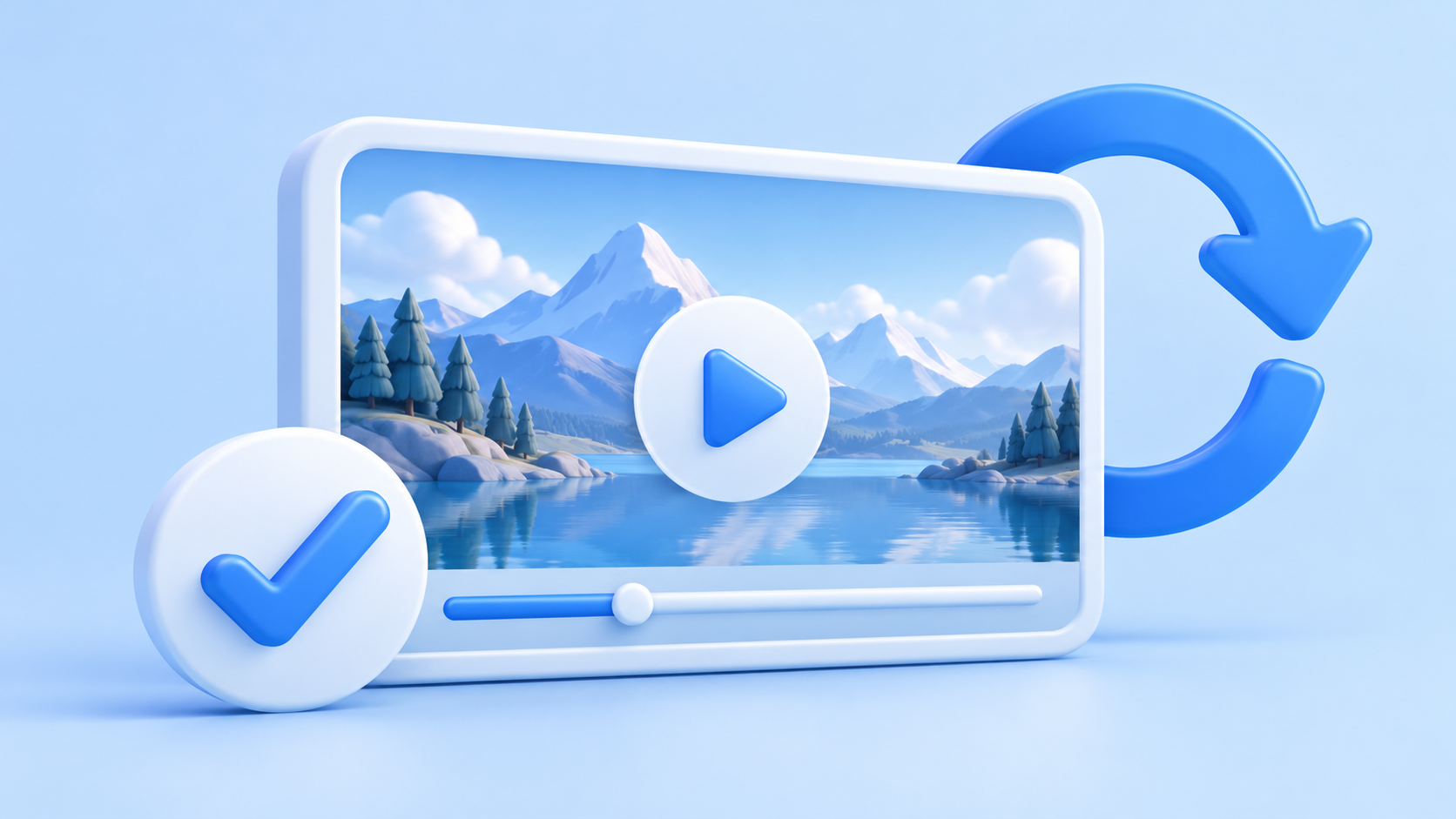
Review and iterate
Review the result and try different references to explore a new direction.
USE CASES
Ideas to bring to life
Explore different ways to turn visual references into engaging short videos.
Product storytelling
Combine a product image with motion reference for an eye-catching concept clip.
Social clips
Use an image for the visual theme and a video for movement and pacing inspiration.
FEATURES
Creative possibilities in one workflow
Bring visual references together in a simple, repeatable creative workflow.
Two visual references
Combine an image and a video to provide visual and motion cues.
Explore ideas quickly
Try different combinations of references to explore creative directions.
CREATIVE TIPS
Tips for better results
A little preparation can make your references easier for the model to interpret.
Choose clear references
Use an image and video with clear subjects and steady lighting.
Iterate one change at a time
Change a reference or instruction and compare results to refine your idea.
COMPARISON
Choose your starting point
Compare two common ways to use visual references in your creative process.
Reference
Select an option to explore the possibilities
Image
- How it helps
- Provides subject appearance, color, and composition.
Video
- How it helps
- Provides movement, pacing, and visual context.
RELATED IDEAS
Keep exploring creative tools
Try different visual styles and reference combinations to discover your next idea.
GET STARTED
Ready to create your next video?
Choose an image and a video, then bring your idea to life.
Frequently asked questions
What assets do I need?
Upload one JPG, PNG, or WebP image and one MP4 video, each up to 10 MiB.